

How to Reset Your Password on the SimpleCitizen Login Page
If you’re having trouble logging into your SimpleCitizen account, don’t worry — resetting your password is quick and easy. If you experience any issues, please be sure to reach out to our LiveChat team! They should be able to help!
Step 1: Go to the Login Page
Navigate to the SimpleCitizen login page.
Enter in your SimpleCitizen account email
Click "Login"
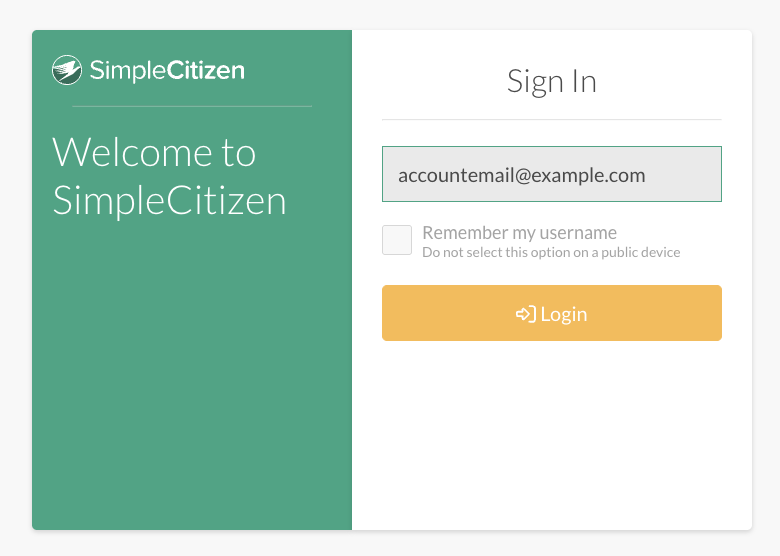
Under the login fields, click “Forgot password?”

Step 2: Enter Your Email Address
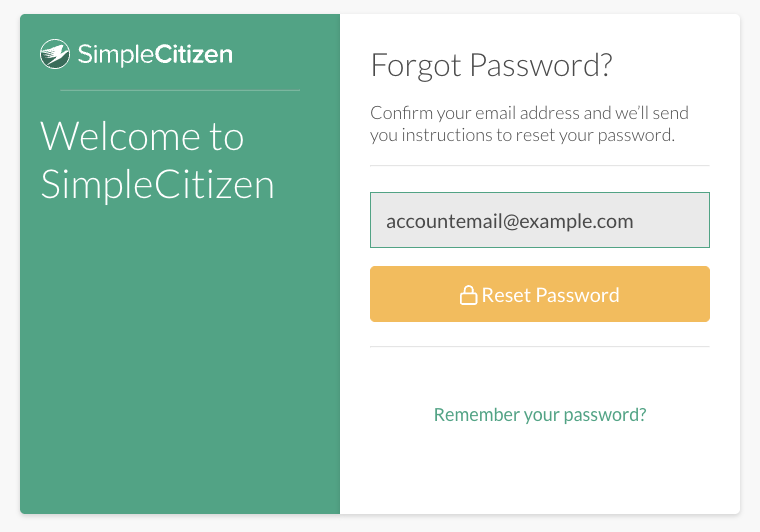
Enter the email address associated with your SimpleCitizen account.
Click "Reset Password"
Important:
Please be sure to use the same email you used when you originally created your SimpleCitizen account.
If a different email is entered, the reset email will not be delivered.
Step 3: Submit & Wait Briefly
After submitting your email:
Wait about 2 minutes for the password reset email to arrive.
Emails may take a short moment to be delivered.
Step 4: Check Your Inbox (and Spam)
Look for the password reset email in your email inbox.
If you don’t see it right away, be sure to check:
- Spam
- Junk
- Promotions folders
Sometimes password reset emails are routed there.
Step 5: Reset Your Password
Open the email and click the password reset link.
Create a new password, save your changes, and you’re all set — you can now log back into your account.
Still Need Help?
If you’ve followed all the steps and still can’t access your account, SimpleCitizen support is happy to help you get back in. Reach out to us over LiveChat for support!
Related
Technical Issues and Support
Articles
Begin Your Immigration Journey Today with SimpleCitizen!
Why spend more time and money on countless legal headaches, when you could just use SimpleCitizen and focus on what matters most – being with those you love! Find new opportunities, start new adventures, and bring your family together with SimpleCitizen today!